The GN Multi-Mic+ is a wearable or tabletop microphone that streams directly to your hearing aids. It can be used in four modes: Microphone, Telecoil, Line-in (headphone jack) and FM (audio system).
You must be connected via the microphone setup to use all the modes. To learn how to do that, see this article.
Telecoil
Telecoil systems are common in theaters, places of worship, and lecture halls. Once you are already connected to your GN Multi-Mic+, you can switch into telecoil mode by pressing the button on the back of the Multi-Mic+. The green LED light will switch from the microphone icon to the T icon.
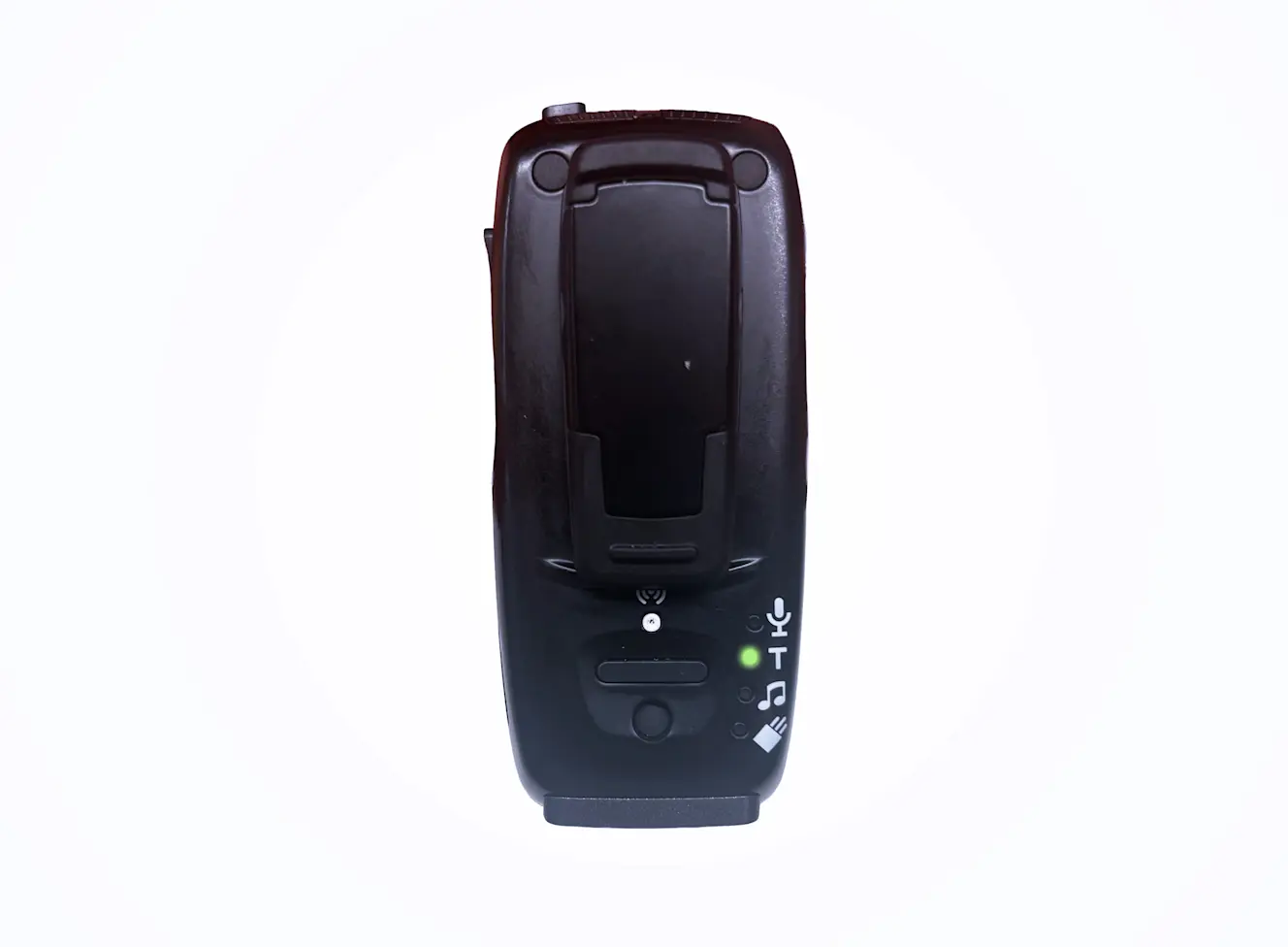
Place the Multi-Mic+ close to the loop audio source or hold/wear it where the loop signal is strongest in the venue.
Line-in (headphone jack) and FM (audio system)
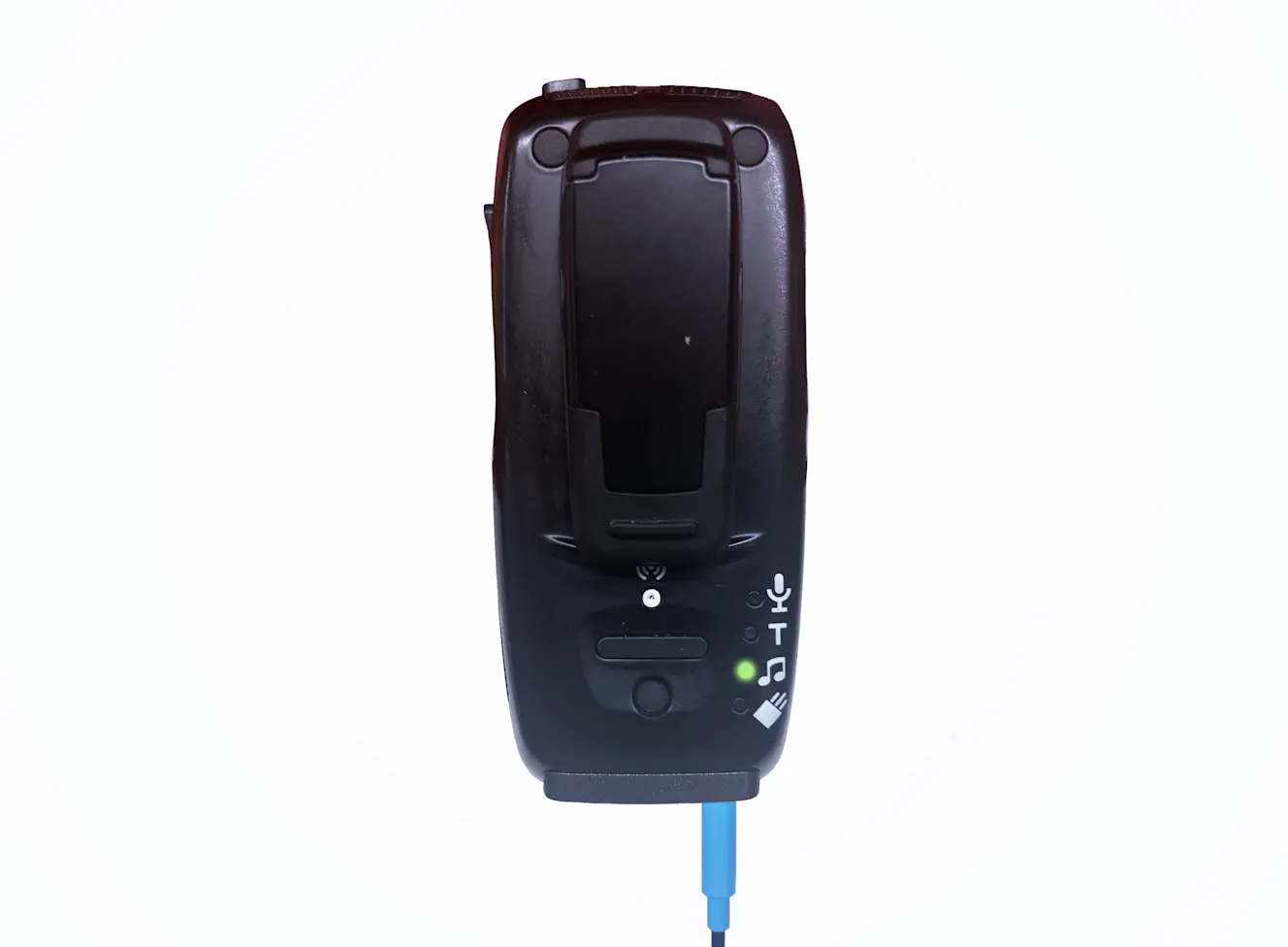
The Multi-Mic+ can receive audio from an audio device such as a mobile phone, MP3 player, tablet, computer or TV, or from an FM transmitter. To use this mode, connect a mini-jack cable (included with the Multi-Mic+). When an audio device is connected, line-in mode or FM mode will automatically be selected.
If you have any questions, we’re happy to help! Send us a message or call us at (917) 410-5407.