Before connecting your hearing aids to your iPhone for the first time, make sure:
Your hearing aids and case are charged
Your hearing aids and case are near your phone
Step 1
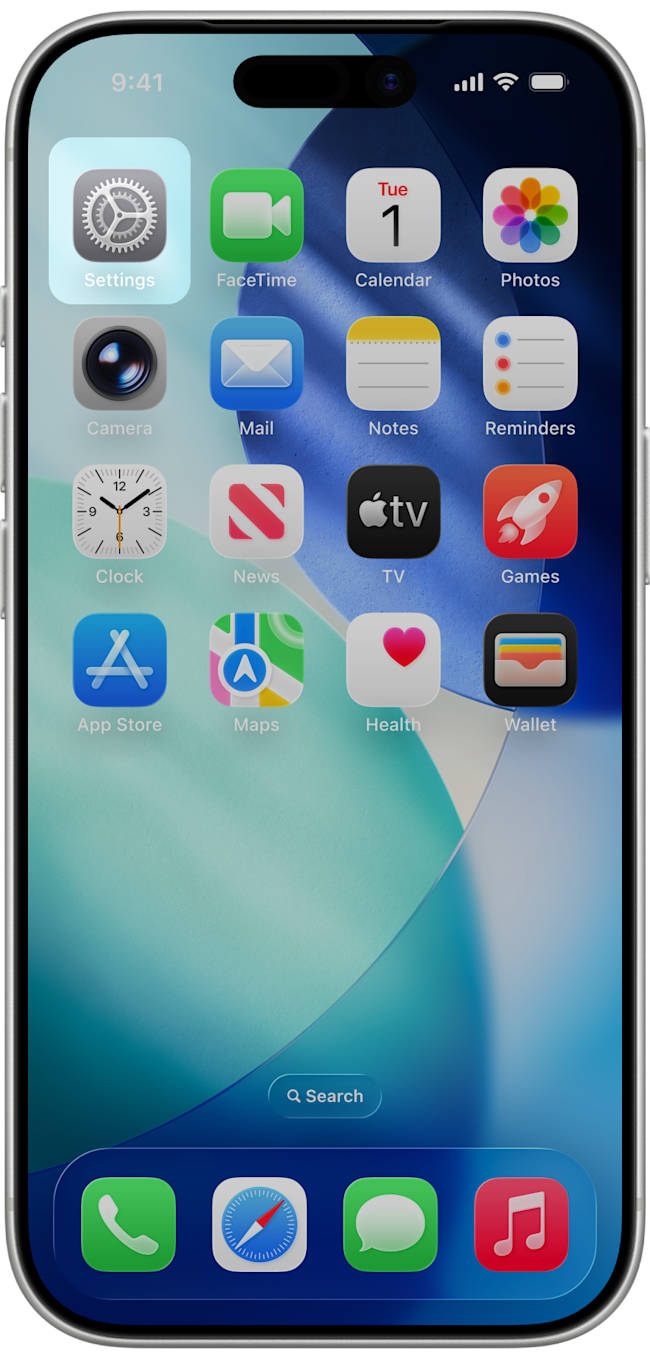
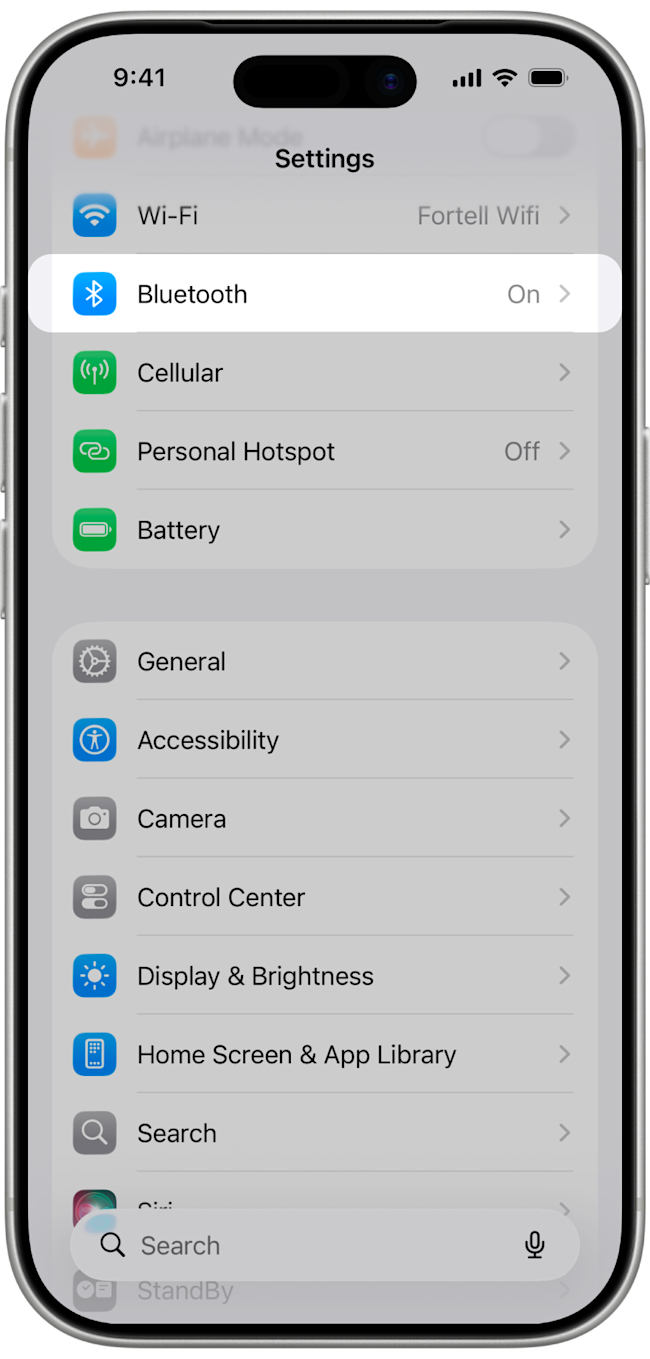
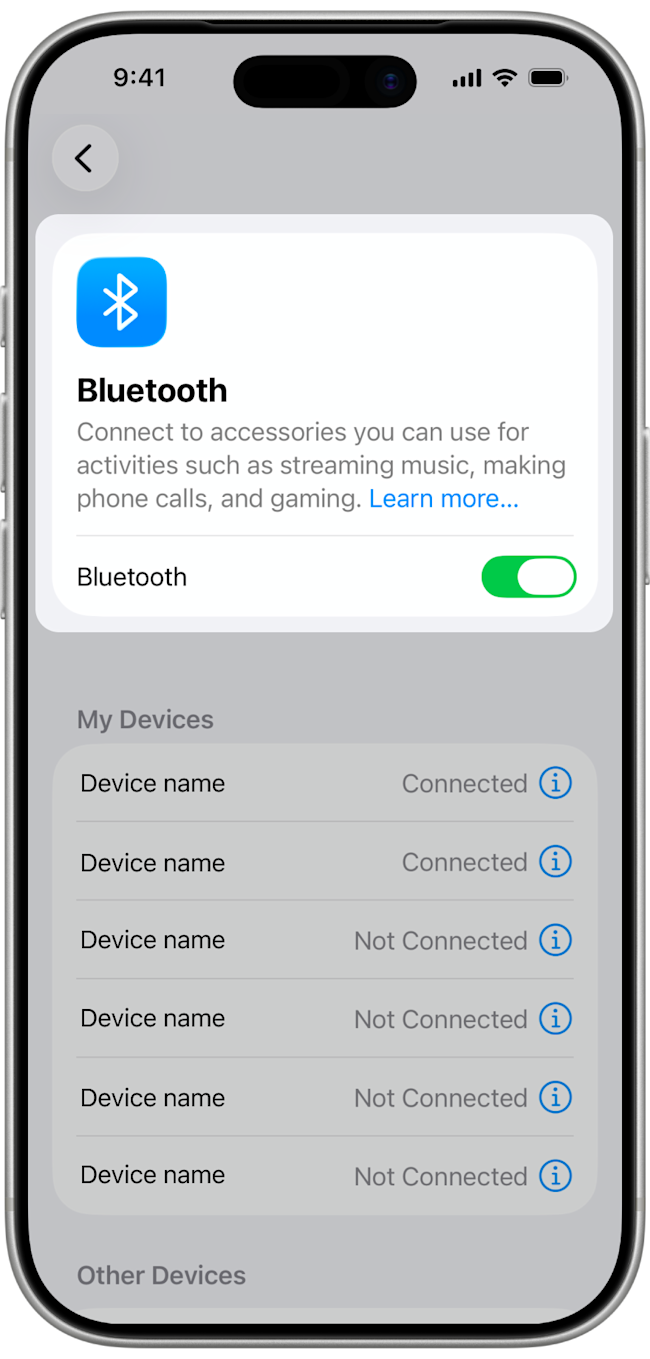
On your iPhone, go to Settings > Bluetooth and make sure the switch is toggled on.
Step 2
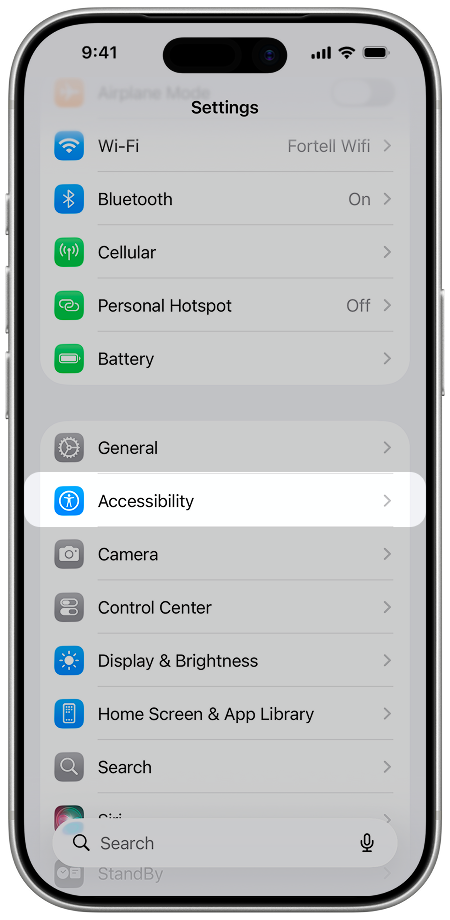
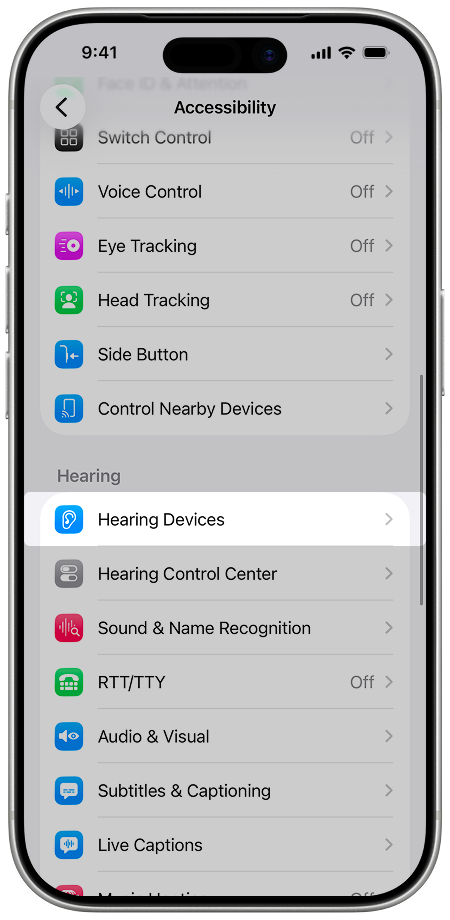
Hit the back button to go back to Settings. Scroll down and tap Accessibility > Hearing Devices.
Step 3
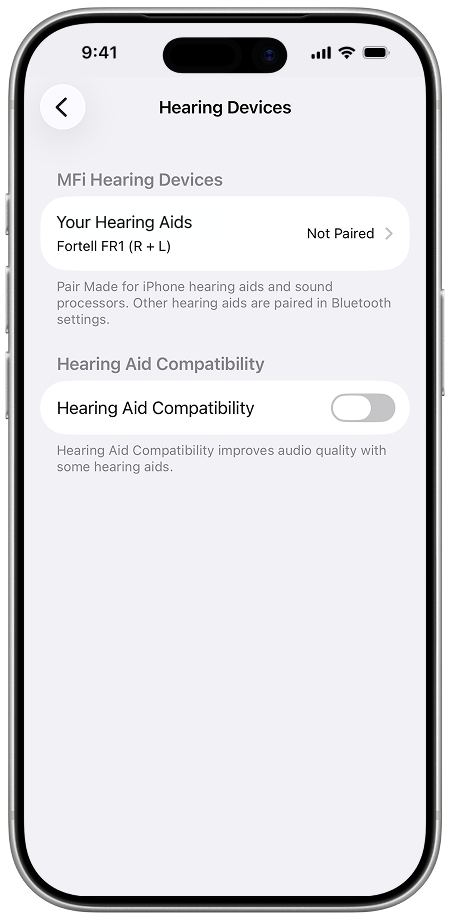
Make sure no other hearing device is already paired to your iPhone. If you do see a connected hearing device, you can tap on it and press Forget this device. If you do not see any other devices listed under Hearing Devices, move on to step 4.
The next steps will vary slightly based on what version of iOS your phone has.
Step 4
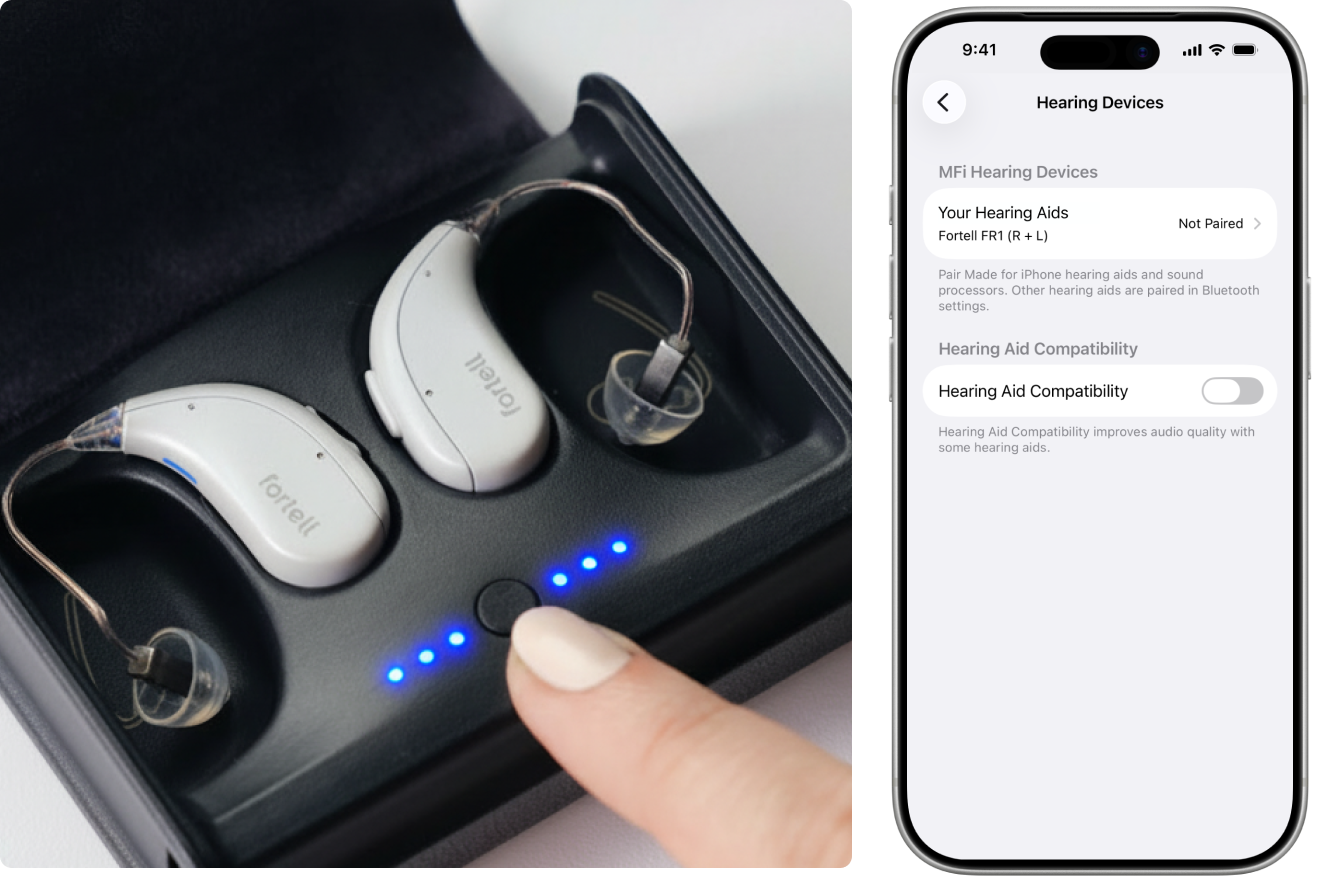
With the hearing aids in the carrying case, press the case button once to put them into pairing mode. The hearing aid status lights should pulse blue, and the hearing aids will appear on your iPhone’s list of hearing devices.
Step 5
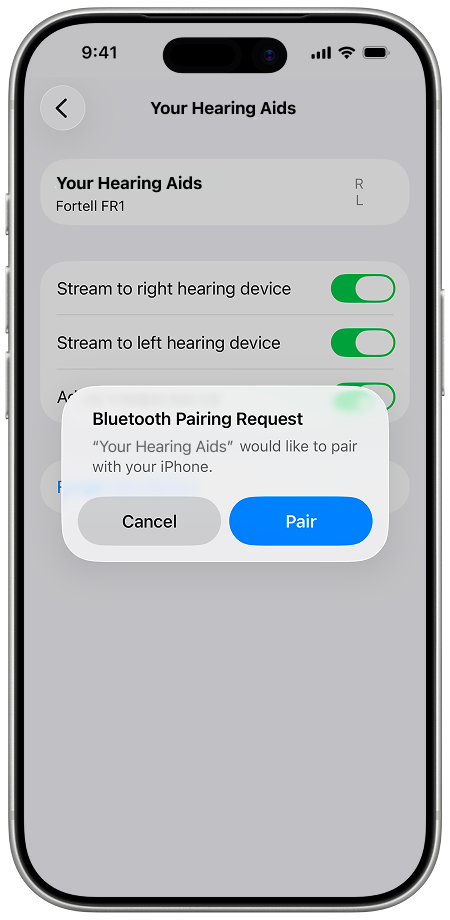
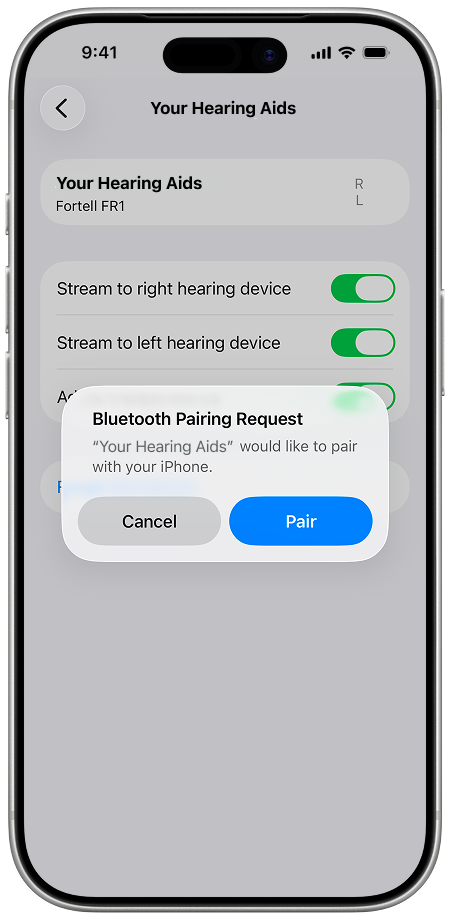
Tap on [Your name]’s Hearing Aids and you will be asked to pair each bud. Tap Pair once, the dialog will disappear, then tap Pair again.
Step 6
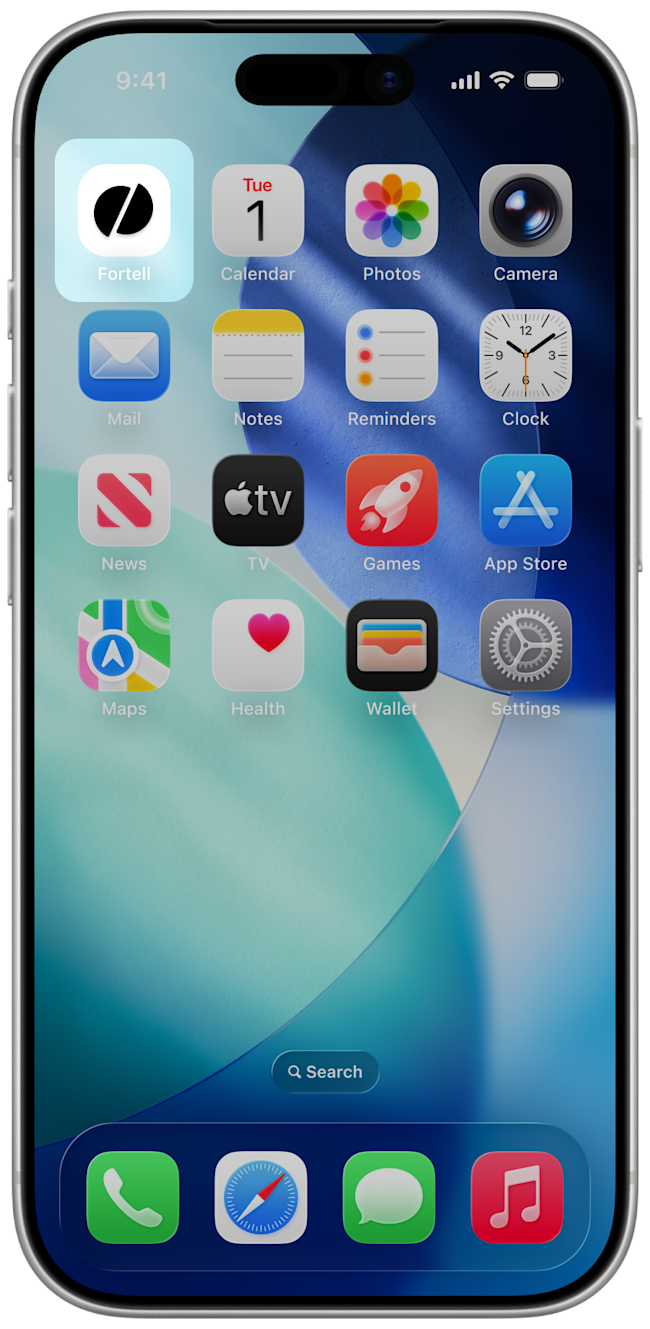
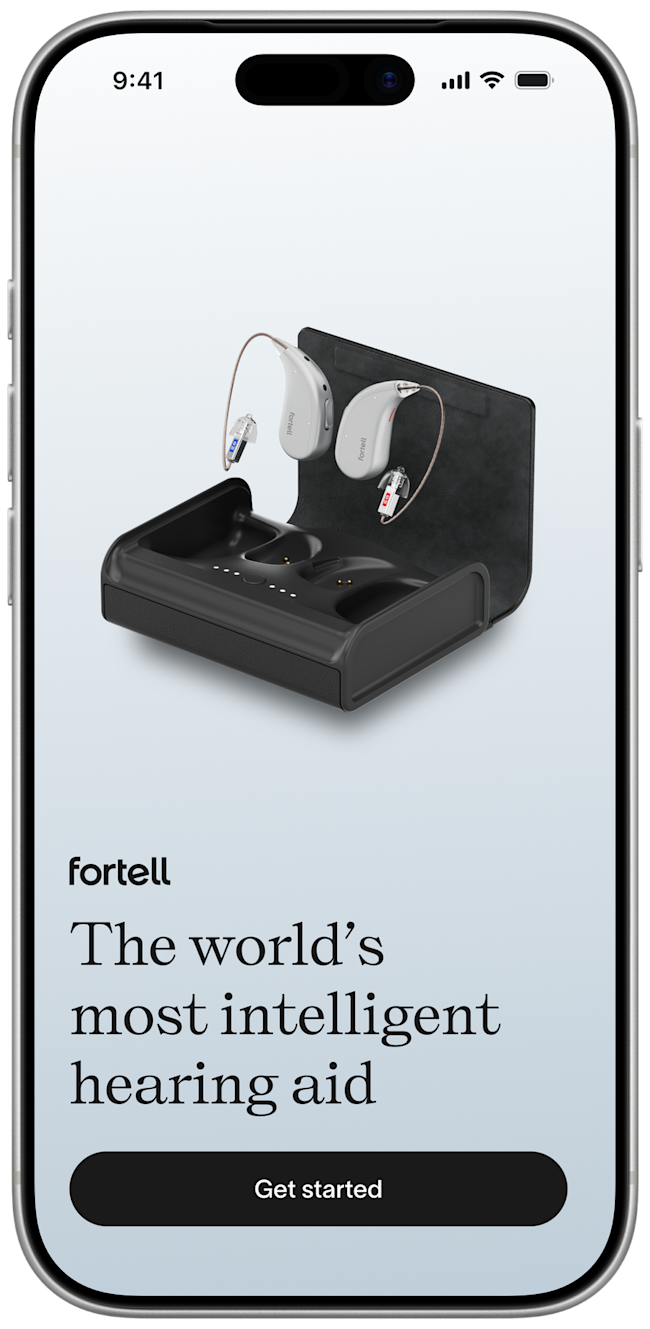
You are now paired. Open up the Fortell app to begin using your hearing aids.
Step 4
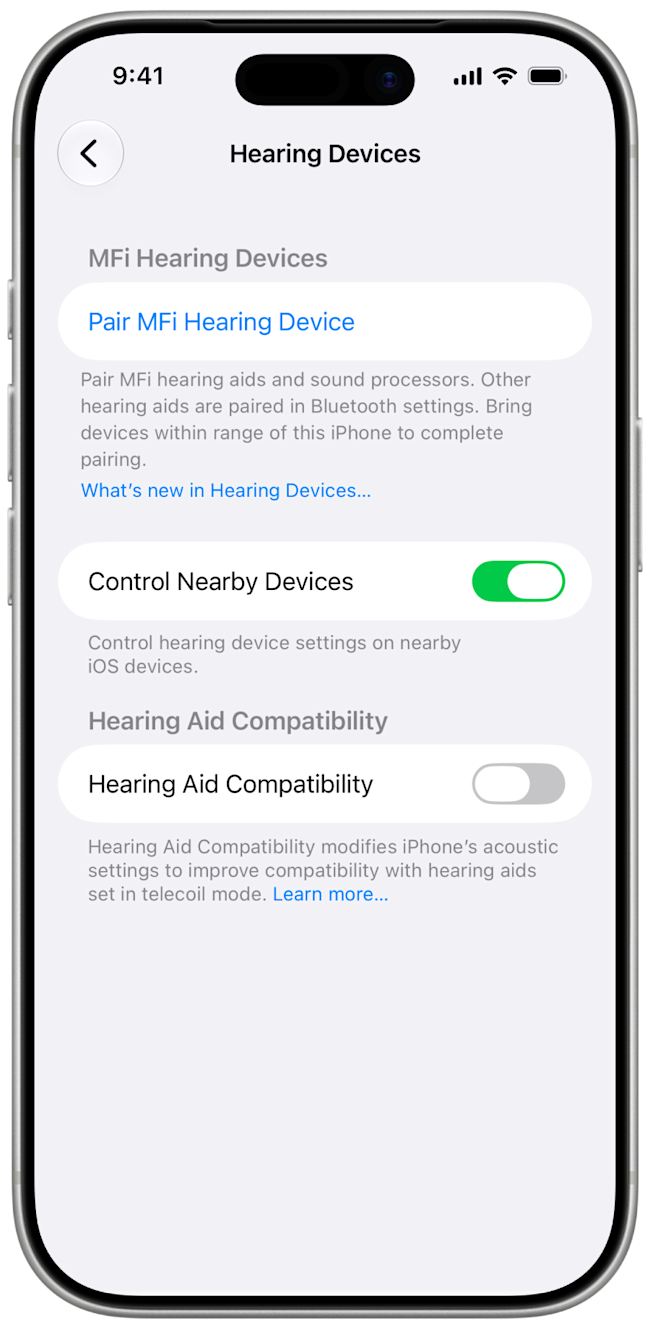
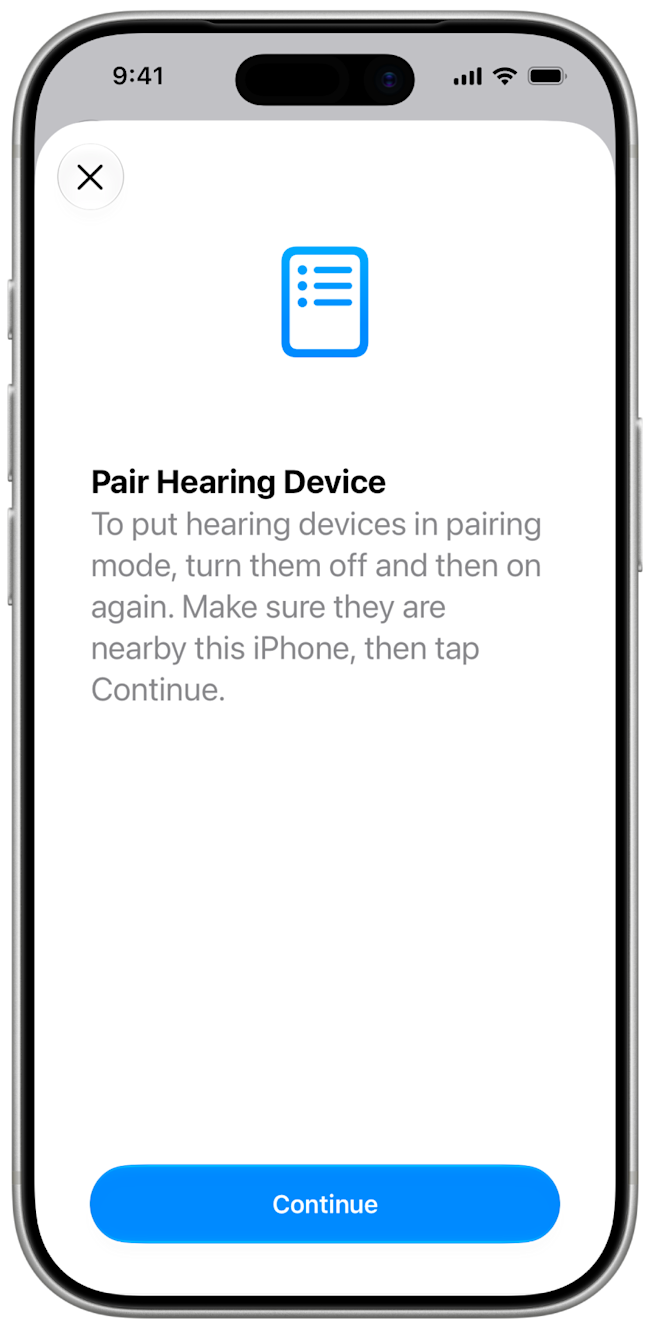
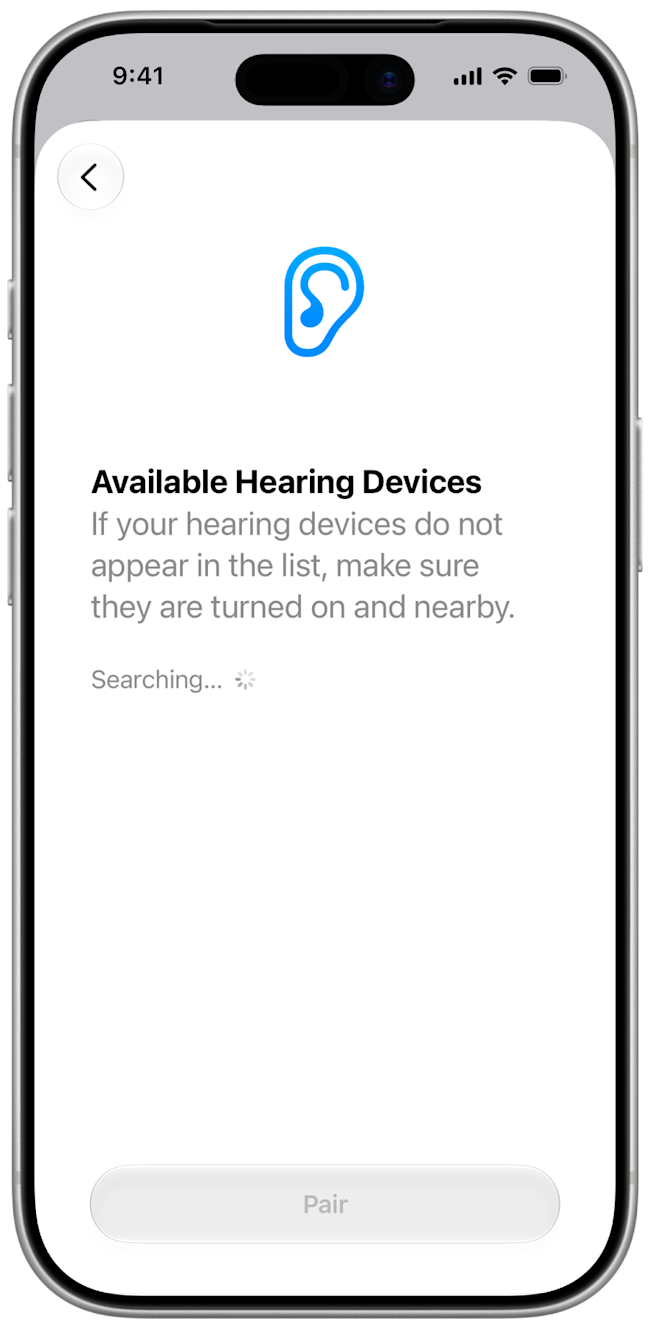
Tap Pair MFi Hearing Device. A bottom sheet will slide up and give you generic instructions for hearing aids. They will not be accurate. Instead, press Continue and you will see your phone searching for devices.
Step 5
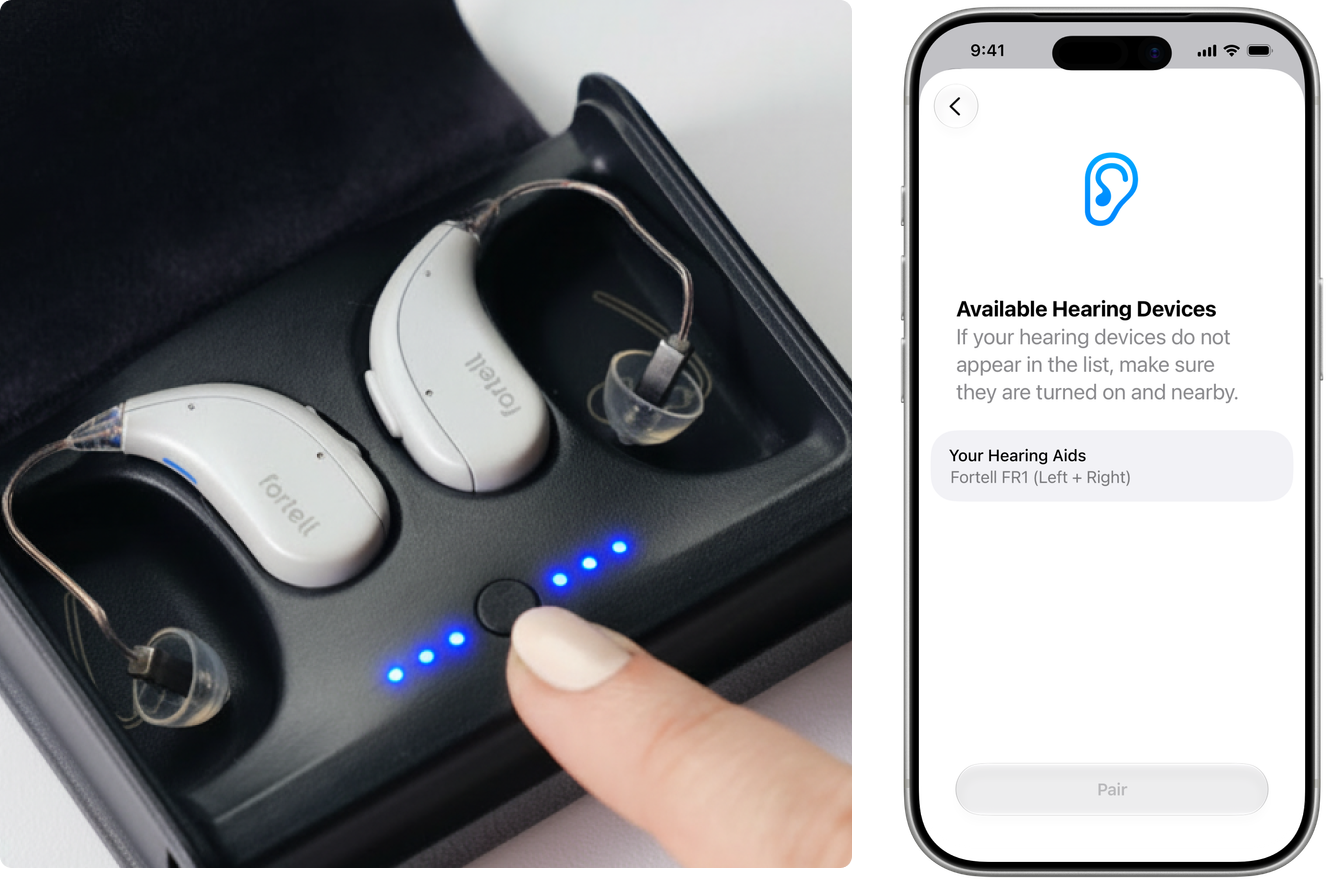
Press the case button once to put them into pairing mode. The hearing aid status lights should pulse blue after a few seconds, and the hearing aids will appear on your iPhone’s list of hearing devices.
Step 6
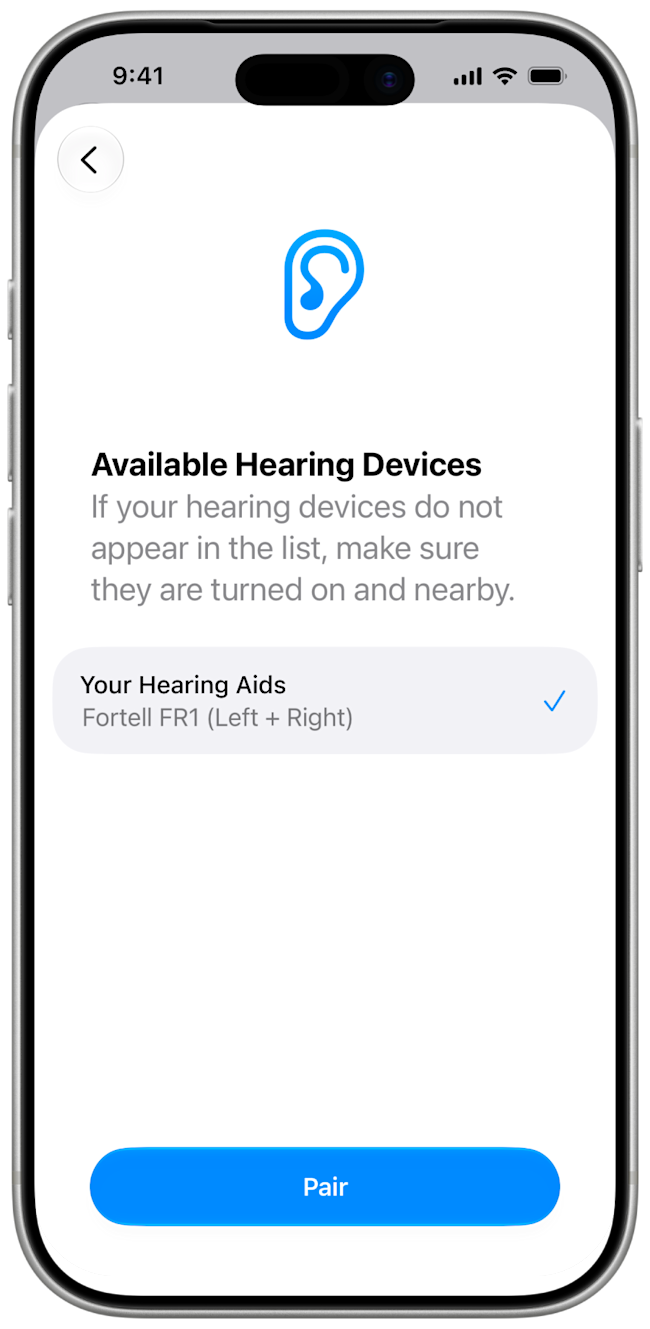
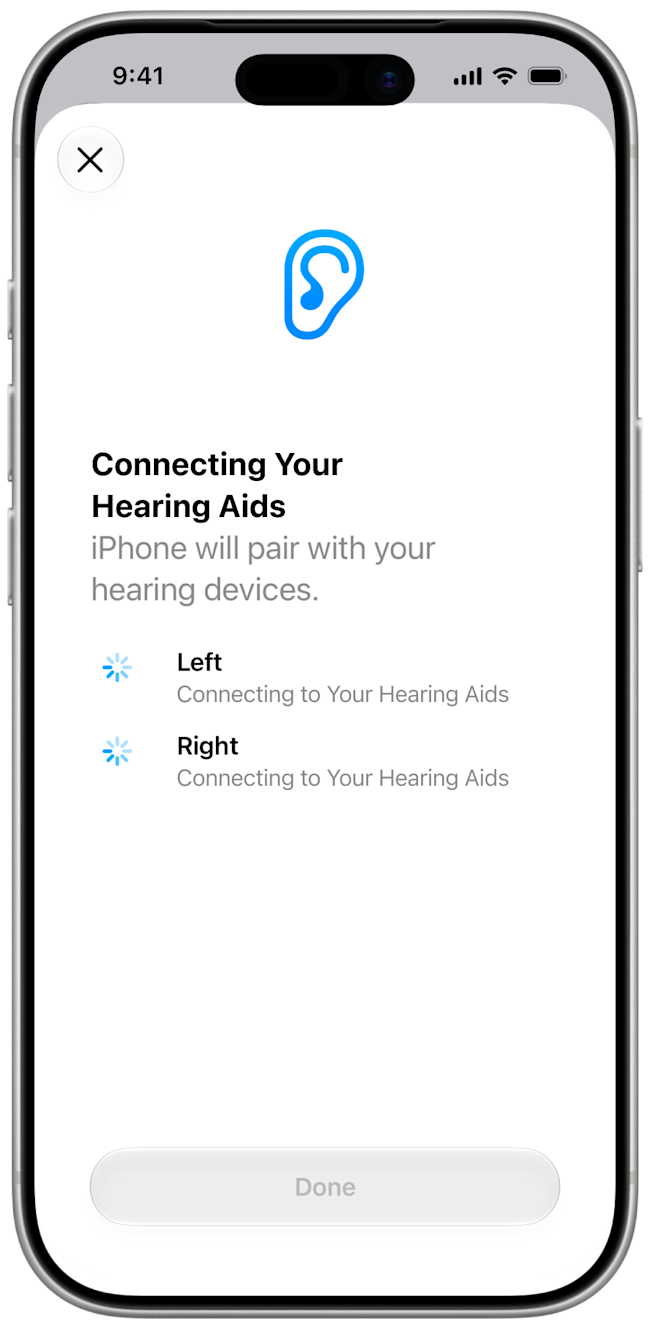
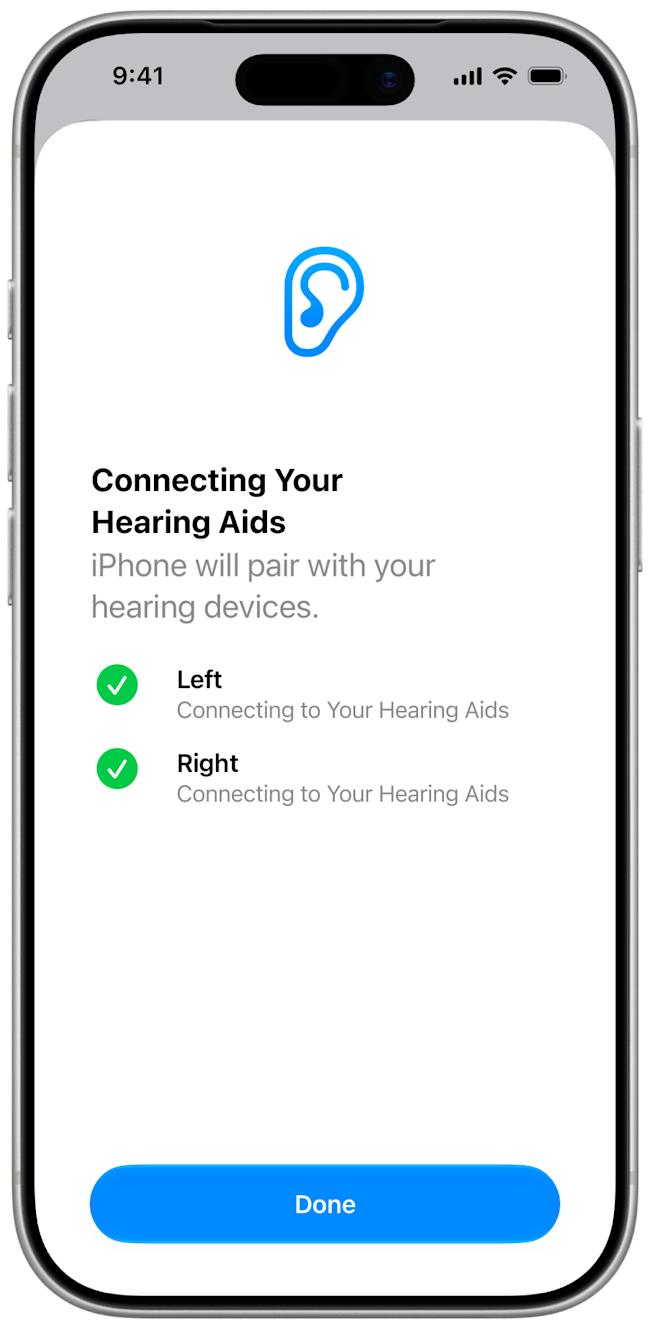
Tap on [Your name]’s Hearing Aids then Pair. Your phone will connect to the left hearing aid and then the right hearing aid. Once you see two green check marks, tap Done.
Step 7
You are now paired. Open up the Fortell app to begin using your hearing aids.