Your hearing aids feature a control button on each side. The left button handles your volume. The right button changes your listening modes.
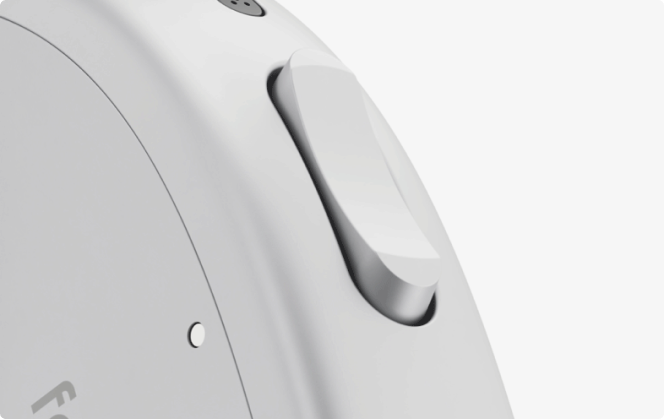
Adjusting the Volume
The left hearing aid features a rocker button for quick volume adjustments to both hearing aids. To increase volume, press the top of the button. To decrease volume, press the bottom of the button.
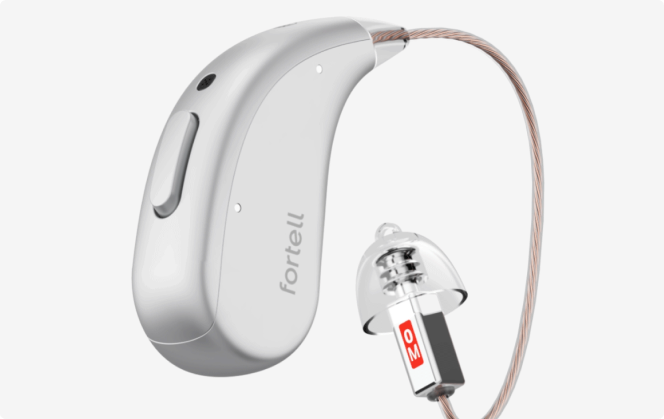
Switching Modes
Pressing the button on your right hearing aid changes the mode for both devices. Press the button to toggle between Conventional mode and All-day AI mode. Press and hold the button for 2 seconds to enter All-day AI: Front Voices mode.