Choosing the right mode
Your Fortell AI Hearing Aids come with multiple listening modes for different situations. You can switch between modes using the button on your right hearing aid or in the Fortell companion app.
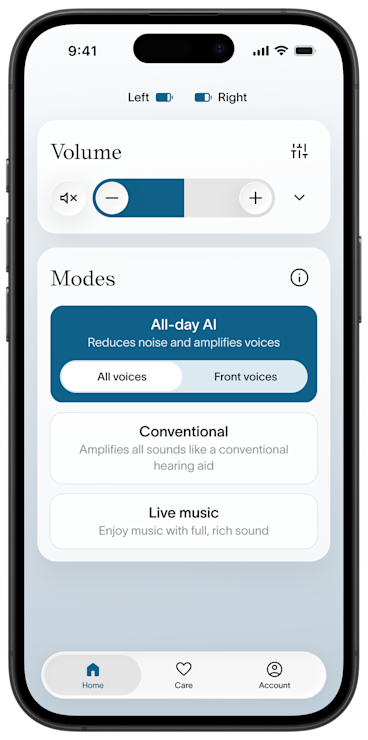
All-day AI mode
All-day AI mode maximizes speech clarity by using Fortell AI to understand which sounds are voices and which are background noises. This is the default mode on our hearing aids, and comes with two options:
All voices mode amplifies the voices around you, making speech easier to hear in background noise.
Front voices mode amplifies only the voices in front of you, so you can hear those instead of the voices behind you.
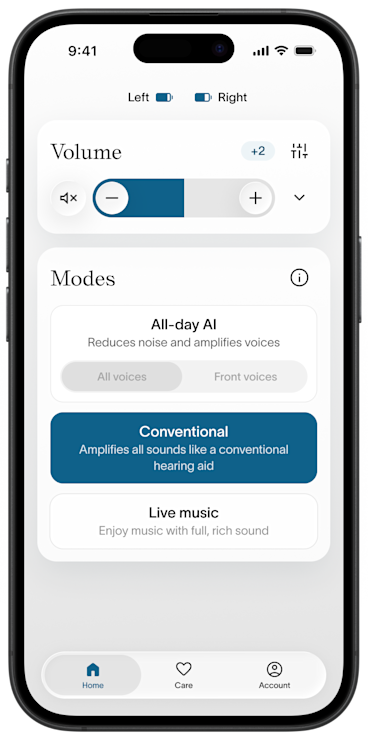
Conventional mode
Conventional mode turns off Fortell AI. It sounds like a traditional top-of-the-line hearing aid and provides more amplification to ambient, environmental noises.
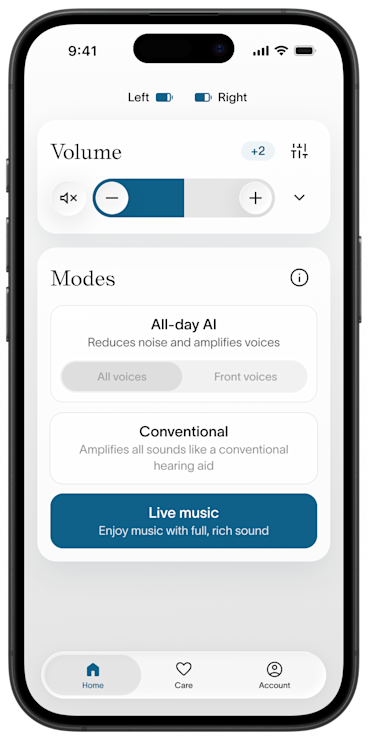
Live music mode
Live music mode turns off Fortell AI and amplifies instruments and melodies, instead of treating them as background noise. It preserves the fidelity of music being played through speakers or at a concert.