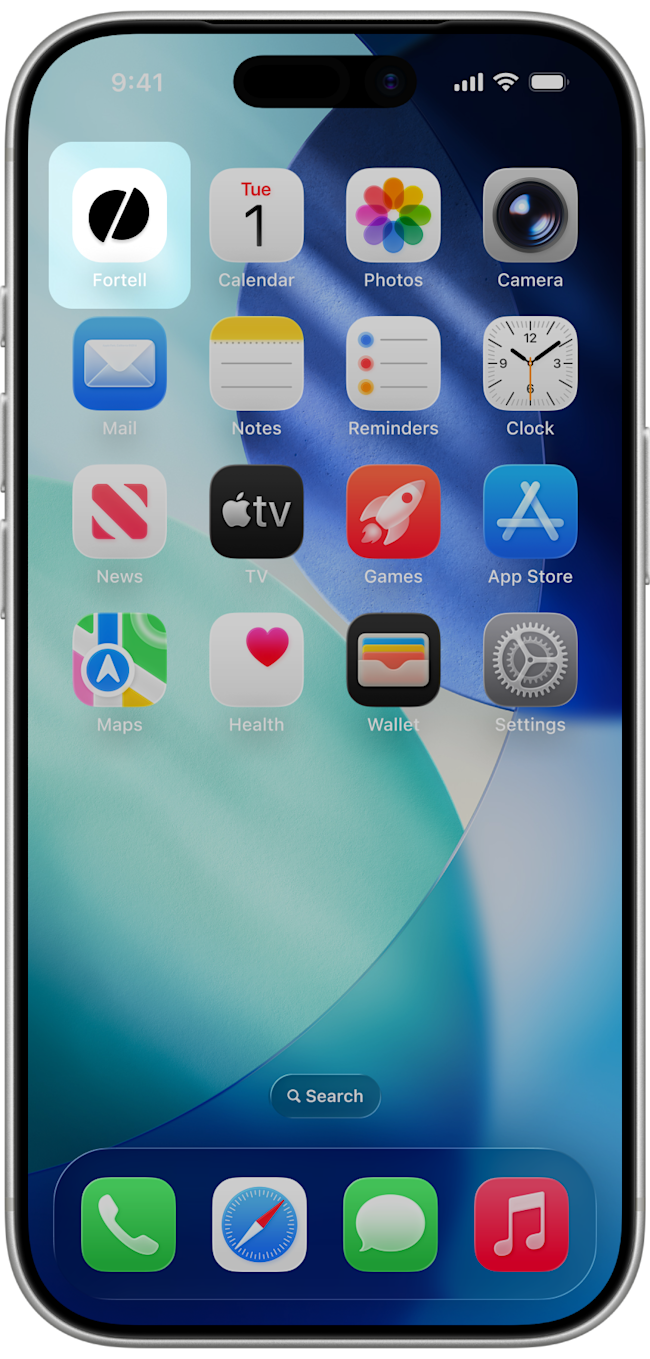
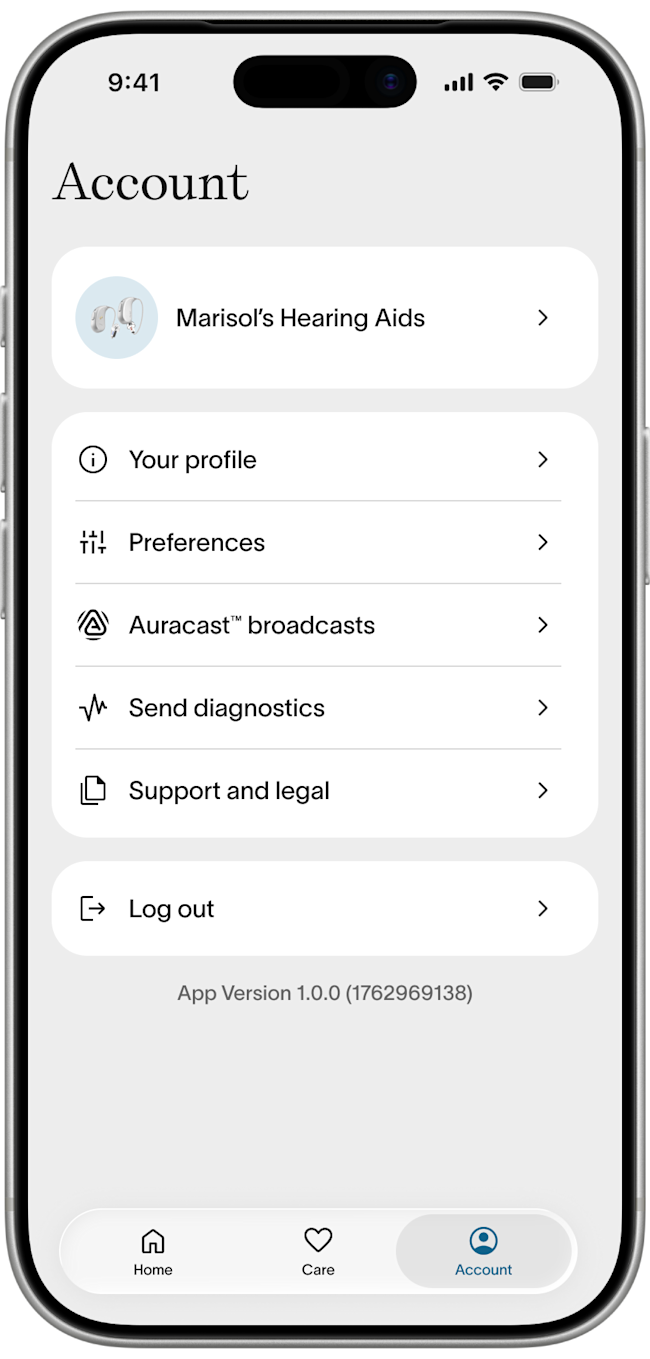
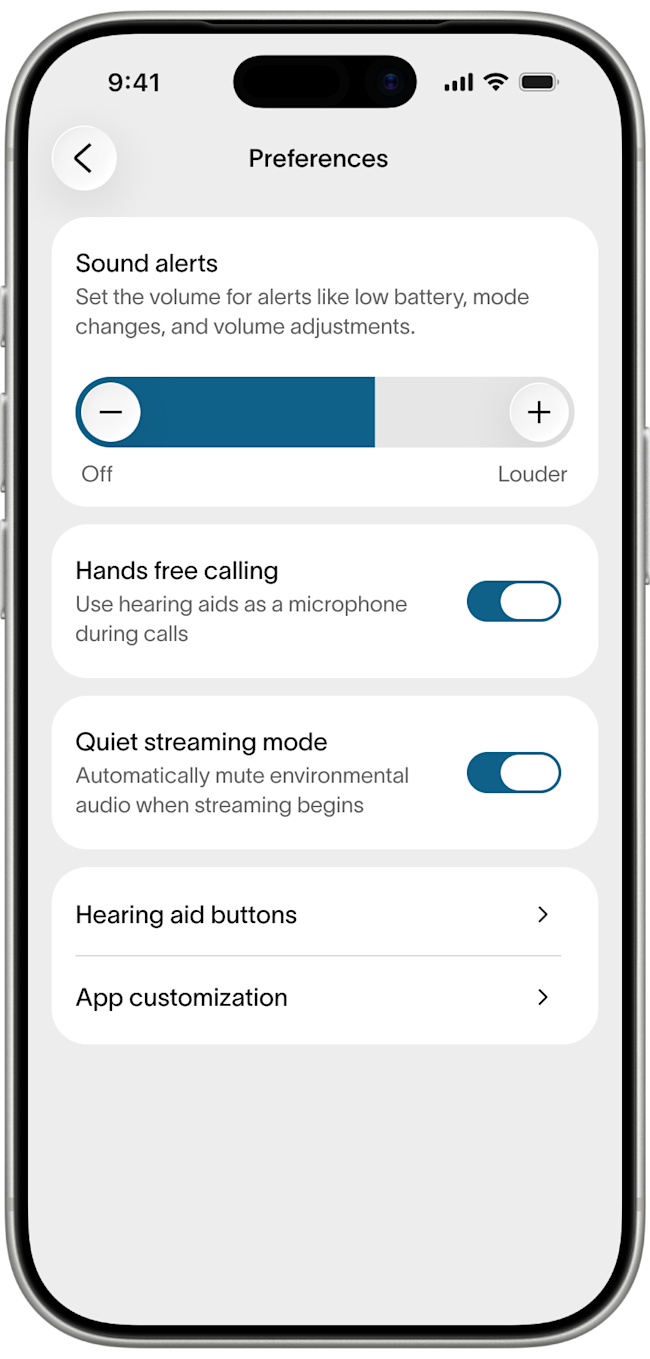
When you use your hearing aids during a phone call, they will act as a microphone to pick up your voice. You can change this and use your phone microphone instead. Open the Fortell app, go to Account > Preferences and turn off Hands-free Calling.
When you use your hearing aids during a phone call, they will act as a microphone to pick up your voice. You can change this and use your phone microphone instead. Open the Fortell app, go to Account > Preferences and turn off Hands-free Calling.
Was this helpful?