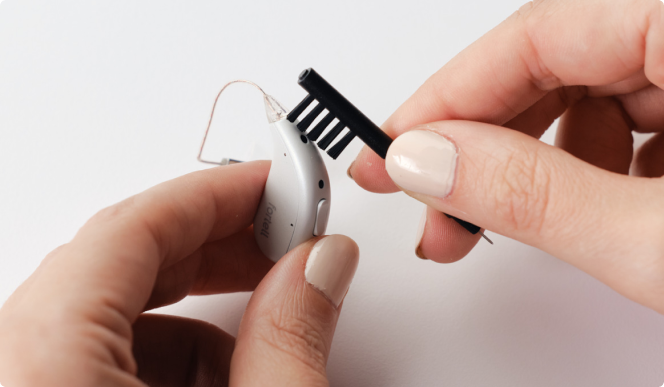
If you purchased your devices after February 2026, they came with specialized adhesive cleaning stickers. Missing yours? Contact us and we’ll gladly send you a pack!
How to use the cleaning stickers:
Peel: Carefully remove the paper backing from one sticker (heads up, they are very tacky!).
Press: Press the sticky side into a microphone port, using your fingernail to gently work it into the opening.
Remove: Peel the sticker away to lift out any trapped debris.
Repeat: Do this 2 to 3 times for each microphone port.
If you have any questions, we’re happy to help! Send us a message or call us at (917) 410-5407.